
Scan. Connect. Experience.
Digital ordering for restaurants & cafés
Scan. Connect.
Experience.
Order data — traveling in real time
And it's already in your kitchen
From tap to table, without a single relay
Built for the way real restaurants actually run — from the counter to the kitchen.
The problem
Dine-in ordering hasn't changed in decades
And your team is paying for it — in time, in errors, and in missed sales.
Orders taken by hand
Handwritten tickets mean misheard dishes, missed add-ons, and re-dos from the kitchen.
Waiters run in circles
Every order means walking to the table, back to the kitchen, and back again for questions.
Menus frozen in print
A sold-out dish or a price change means new menus — or an awkward correction at the table.
No visibility into sales
No easy way to see what's actually selling, when you're busiest, or what's driving revenue.
How it works
From scan to served — four steps
Scan
Guest scans the QR code right at their table.
Browse & customize
They explore your menu and build the order exactly how they want it.
Kitchen gets it instantly
The order lands on your screen the moment it's placed — no relay needed.
Pay as usual
Guest pays at the counter, just like today. Nothing changes there.
The whole idea, in one motion
One scan is the entire onboarding
No download. No account to create. No wait staff standing over their shoulder. The QR code is the interface.
Table 4 · Menu open
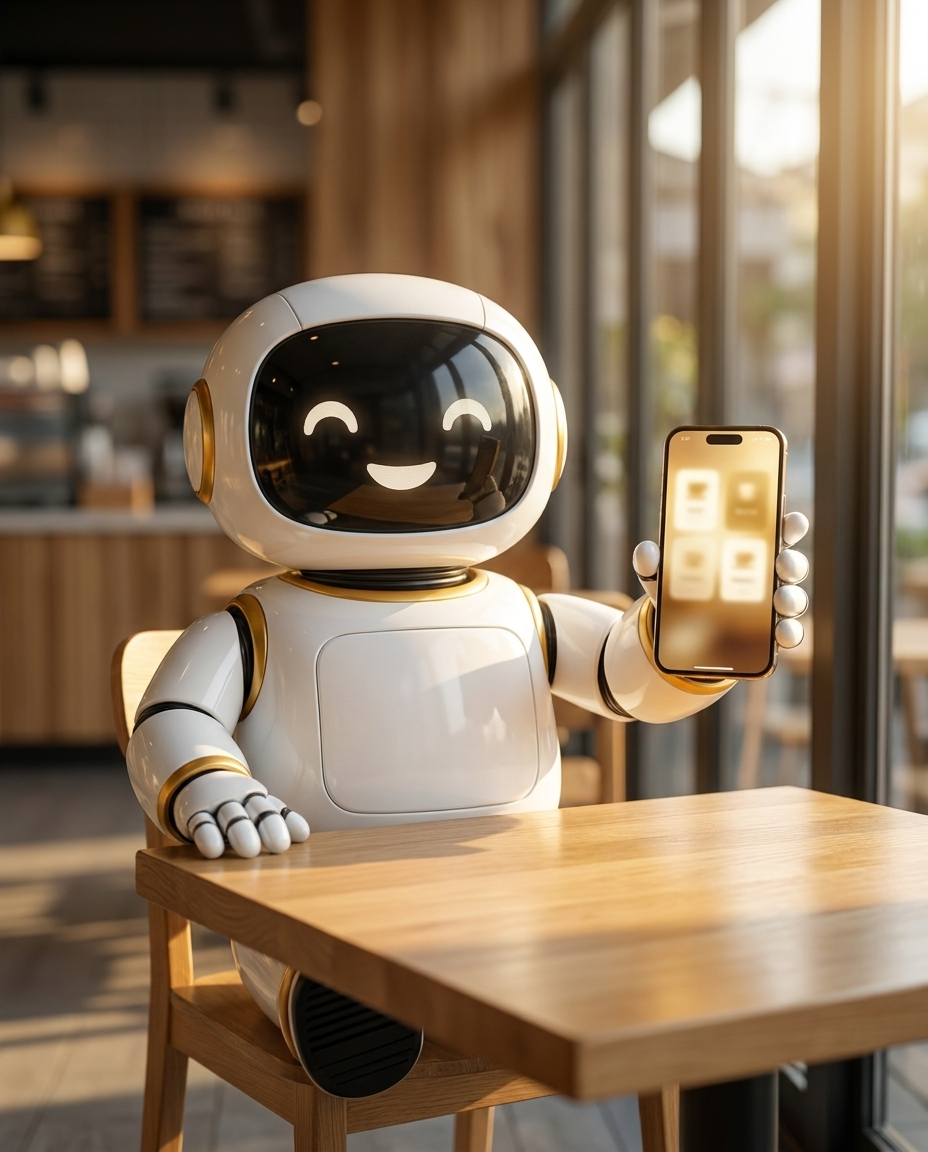
The menu
A menu that actually sells
Photos on every dish, sizes and toppings customers can tap in seconds, combo meals with swappable choices, and discount badges that get noticed. Mark something sold out and it's gone from the menu instantly — no reprinting.
- Categories, search, and pinned specials
- Variants with their own pricing — sizes, add-ons, spice level
- Combo builder with "pick one of these" alternatives
- Time-based availability for breakfast-only items and the like
Front of house
Call the waiter, without waving anyone down
One tap on their phone lets a guest call for the check or ask for help — it shows up on your dashboard immediately, with the table number, no shouting across the room required.
- Live table status — occupied or free, at a glance
- Orders shown in color-coded rounds as items get added
- Confirm, reject, or mark an order paid in one tap
Kitchen Display
A screen built for the kitchen counter, not an office
A separate, dead-simple live board for kitchen staff — table numbers, items, and how long they've been waiting, color-coded so nothing gets missed. A sound plays the instant an order is confirmed. Works on a tablet, a phone taped to the wall, or a spare monitor.
- No login — a private link only your kitchen has
- Notification history so nothing slips through
- Responsive from a phone screen to a full monitor
Billing, sorted
GST-ready invoices with CGST/SGST calculated automatically. Print on any 58mm or 80mm thermal receipt printer, or send a PDF — no separate billing software.
Know your numbers
Revenue trends, best-sellers, and your busiest hours — all in one dashboard, so you're making calls on real data, not guesswork.
About Youshi
Built to get out of the way
Youshi exists for one reason: the time your team spends relaying orders is time they're not spending on your guests. We built a system that removes the relay entirely — for the customer, for your staff, and for your kitchen — without asking you to change how you actually run the floor.
The partner app
Youshi Partner runs on your counter
Tables, orders, billing, KOTs and inventory in a proper desktop application — so bills and kitchen tickets print straight to the right printer, with no dialog to click for every ticket.
Windows · macOS · Linux | Your QR menus, kitchen display and admin portal still run in any browser.
Ready to transform your restaurant?
Let's talk about what this looks like for your tables.